Down the Split Keyboard Rabbit Hole
I did not go looking for this hobby. I bought one keyboard, already assembled, because I was curious whether a split keyboard layout would actually be more comfortable than a normal one. Eight months later I have six split keyboards, most of them soldered over whole nights, and local Git repos full of ZMK configs and keyboard layouts I wrote myself for different purposes. This is the path from one to the other.
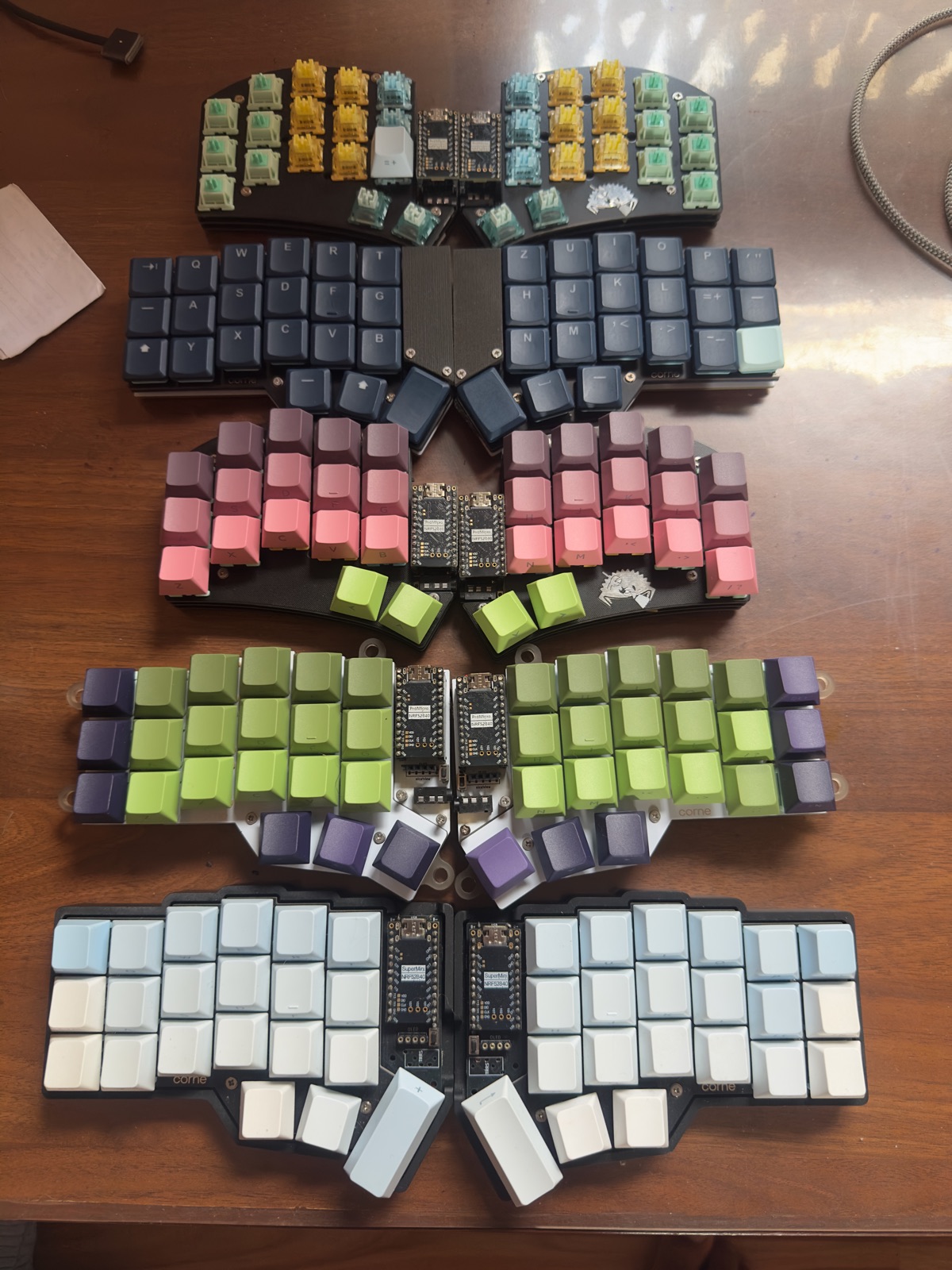
The gateway board
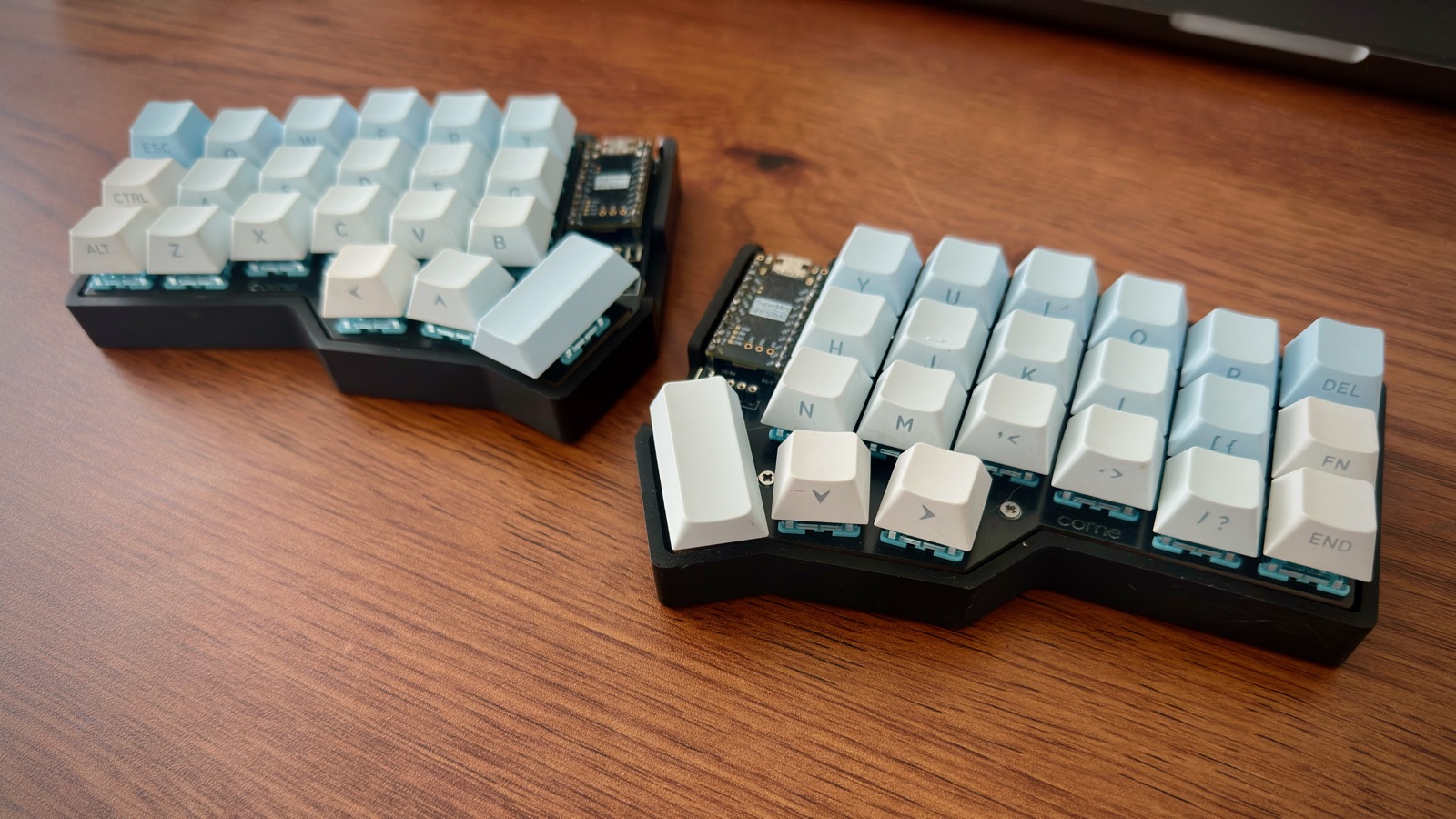
The entry point was a Corne, low-profile, Choc switches. I bought this one pre-built rather than soldering it myself. I wanted to know whether I'd like a split keyboard at all before committing to building one, and that felt like the right way to find out cheaply (or not so cheaply: it cost me around 130 €). It turned out I liked it a lot more than I expected: the shoulder position, the thumb cluster, the fact that a 3×6 layout forces you to actually learn layers instead of reaching for keys you don't need. Within a few weeks I wasn't asking "do I like split keyboards?" anymore; I was asking "should I build the next one myself?" The Choc switches were clicky and had little travel, so I wanted to try linear MX-style switches next. And when I bought the pre-built one, I had also picked up an MX Corne kit without switches or keycaps.
Soldering the kit I already had
The next step was building one myself, which meant soldering each tiny component onto the PCB. I had some prior experience with soldering, so that wasn't the hard part. But before I could even begin, I had to choose keycaps and switches for the kit. I didn't want it to get too expensive, so a quick search landed me on the Akko website, where I got myself a set of 45 Creamy Blue switches and a cheap PBT keycap set.
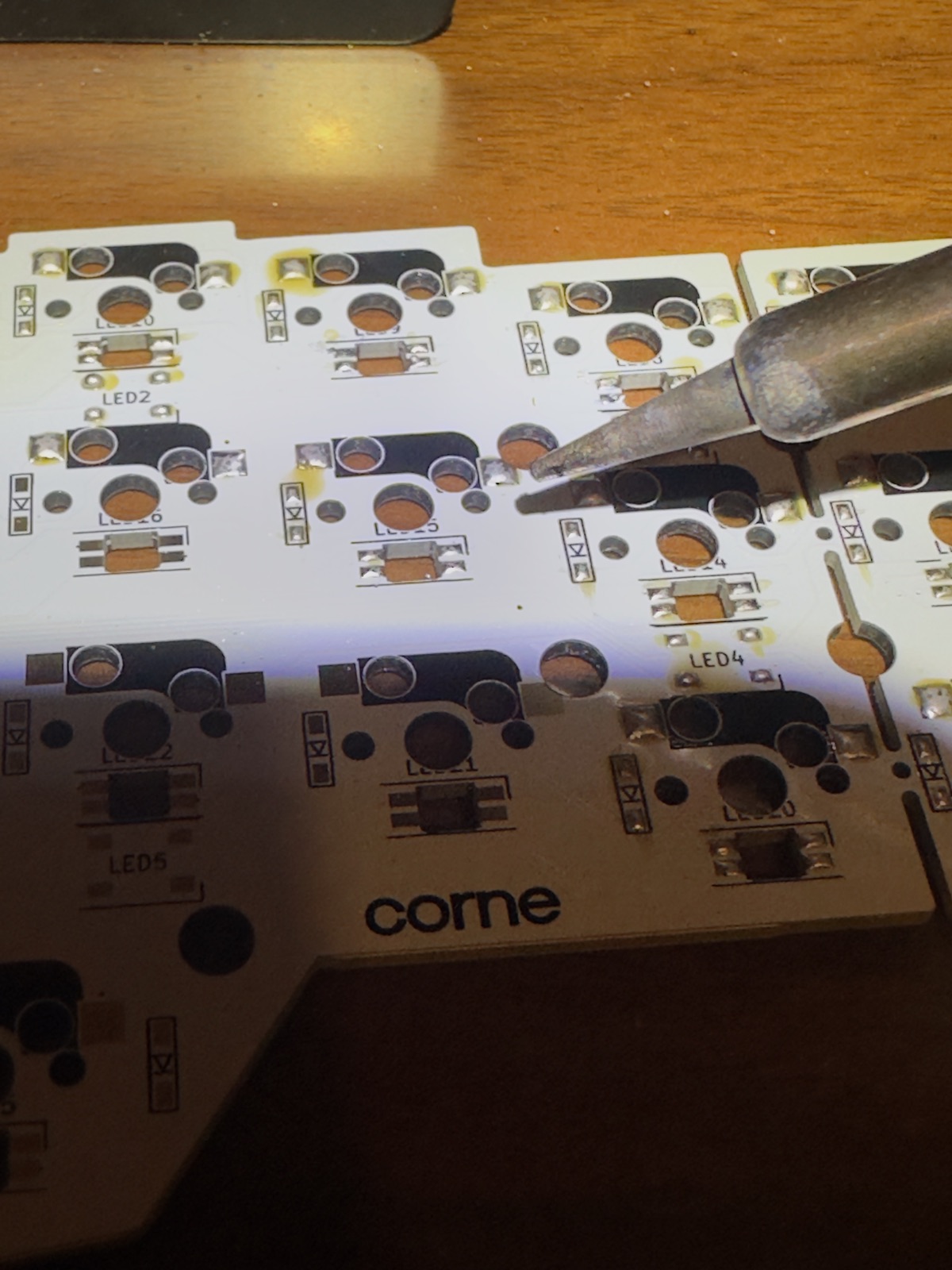
Soldering the first board was slow and a little nerve-wracking. I had zero experience with SMD components, but after a bit of trial and error I could solder them quickly. The right order is smallest components first; on the first half I went the other way round, and that caused me some trouble (first-timer mistakes). The second half went together in a fraction of the time.
I then plugged in the nice!nano controllers, flashed the firmware and inserted two switches to test the keys and the RGB. That is when I hit my first hurdle: the RGB didn't work. After a few hours with the multimeter and going through the ZMK config a few hundred times, I found out that every single per-key RGB LED had been installed in the wrong orientation. These were SMD LEDs and I actually had to sleep, so I left them as they were. My first self-soldered Corne was not a 100% success. So even though I now have two working wireless Cornes, I was determined to build myself new ones.
Going smaller: Sweep Blings
After two Cornes I wanted to see what a different layout would feel like, so the next boards were Sweep Bling builds: a 34-key split, 17 keys per half, with no diode matrix at all. It's direct-wired, one GPIO pin per key. "Bling" doesn't mean RGB, incidentally; it refers to the hotswap sockets, tenting support and stacked case. It was also much easier to build, since the only things to solder were the hotswap sockets. Well, almost: the PCB is reversible, with 24 solder jumpers per half, and one jumper I missed killed the R key on the first build. Going from a 3×6+3 Corne down to 34 keys meant leaning on layers a lot harder. I still haven't got used to it; I'm more comfortable on my own custom Corne layout.
Then I got into firmware
Building the hardware was only half of it. Once I had four hand-soldered boards, I started actually reading how ZMK wires a split keyboard together instead of just flashing the default config and moving on. The two halves don't just "connect" symmetrically: one half is the central, the other a peripheral. I reflashed the boards so the left half is the central: it's the one that pairs directly with the computer over Bluetooth. The right half doesn't talk to the PC at all. It only talks to the left half, over its own Bluetooth link, and the left half forwards both sides' keys to the host as one keyboard.
At first, a third nice!nano as a USB dongle seemed to make more sense. It stays plugged into the computer with a cable and acts as the central, a plain wired keyboard, while both halves talk to it independently. That way the halves only transmit key presses, so their batteries drain evenly, and the computer doesn't need Bluetooth at all, since all it sees is a wired keyboard. That's what I originally bought the third nice!nano for, but it went into another board as a controller instead: I wanted the keyboards to be truly wireless, without a hub plugged into my MacBook.
Writing my own layout
Once I was in the ZMK config anyway, I kept going. Both the Corne and the Sweep now run keymaps I wrote myself, built around typing German on macOS.
The Corne
How to read these: small text is what a key does when held; the shaded key is the one held to reach the layer; keys do whatever they do on the base layer.
The Sweep
None of this was necessary to have a working keyboard. It became necessary once I realized I could make the keyboard match exactly how I type, in two languages, instead of the other way around, which is the actual hook of this hobby, more than the switches or the soldering. The hardware gets you in the door. You always feel the hardware, because it's the physical part, but the firmware and the layouts are what get the work done. The software side, and the productivity it brings, is what keeps you exploring.
Where it stands now
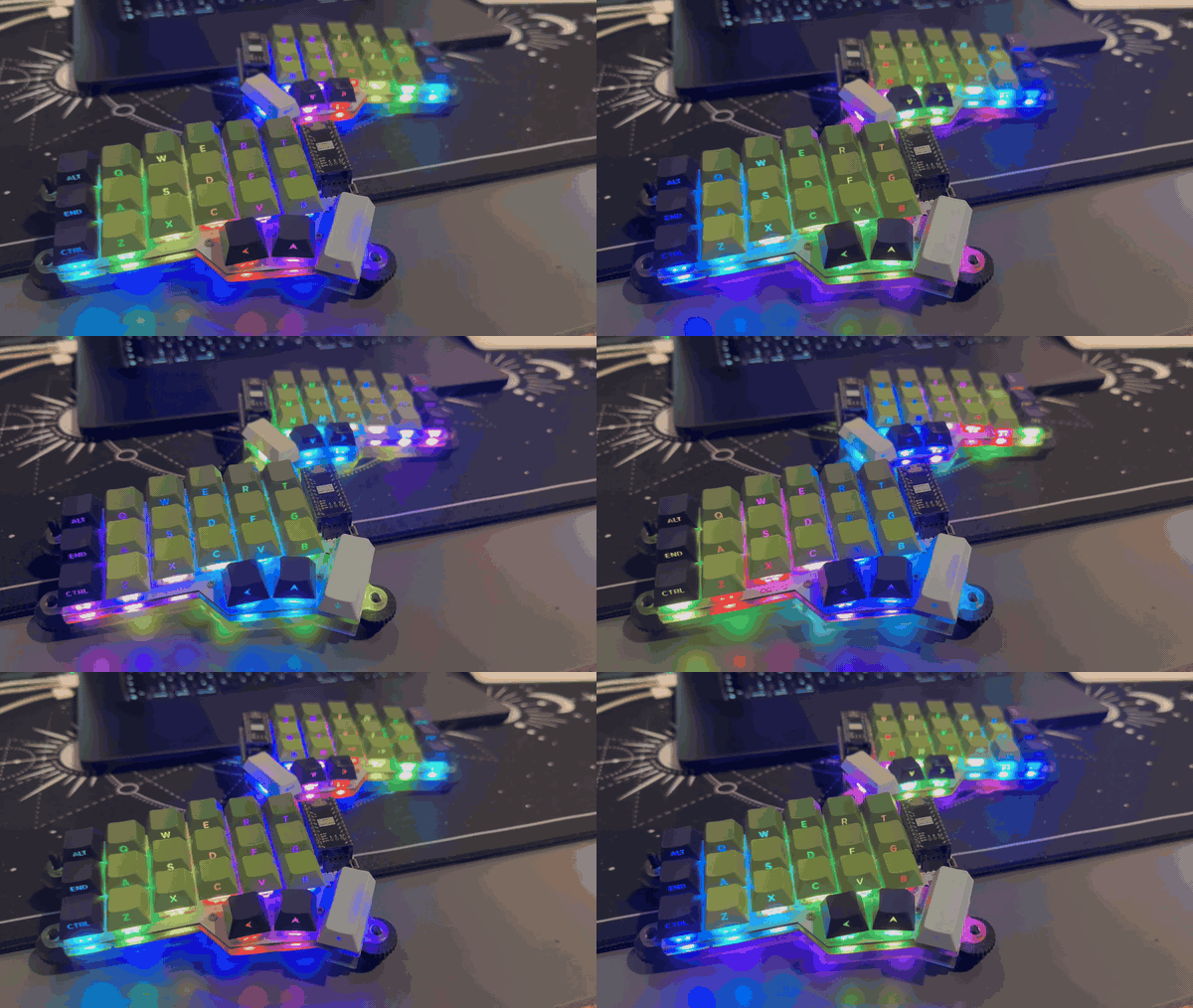
Six boards, one habit. The Choc still gets used, and I've built myself a third Corne, an MX one, and this time the per-key RGB and the underglow both work. The two Sweep Blings are still a work in progress: 34 keys ask a lot of layers, and I keep reaching for the Corne. Board seven is already picked: a low-profile Sofle.